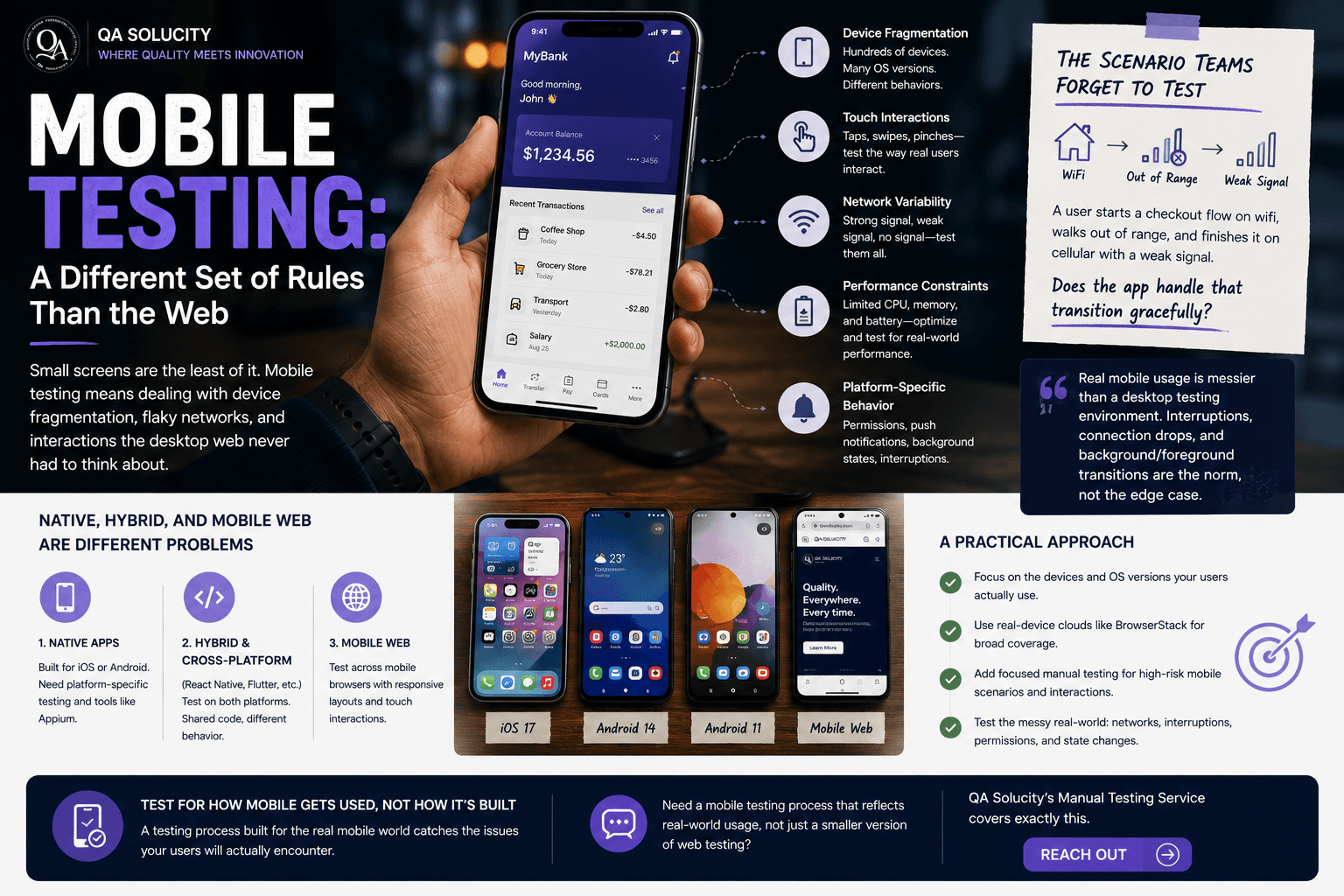
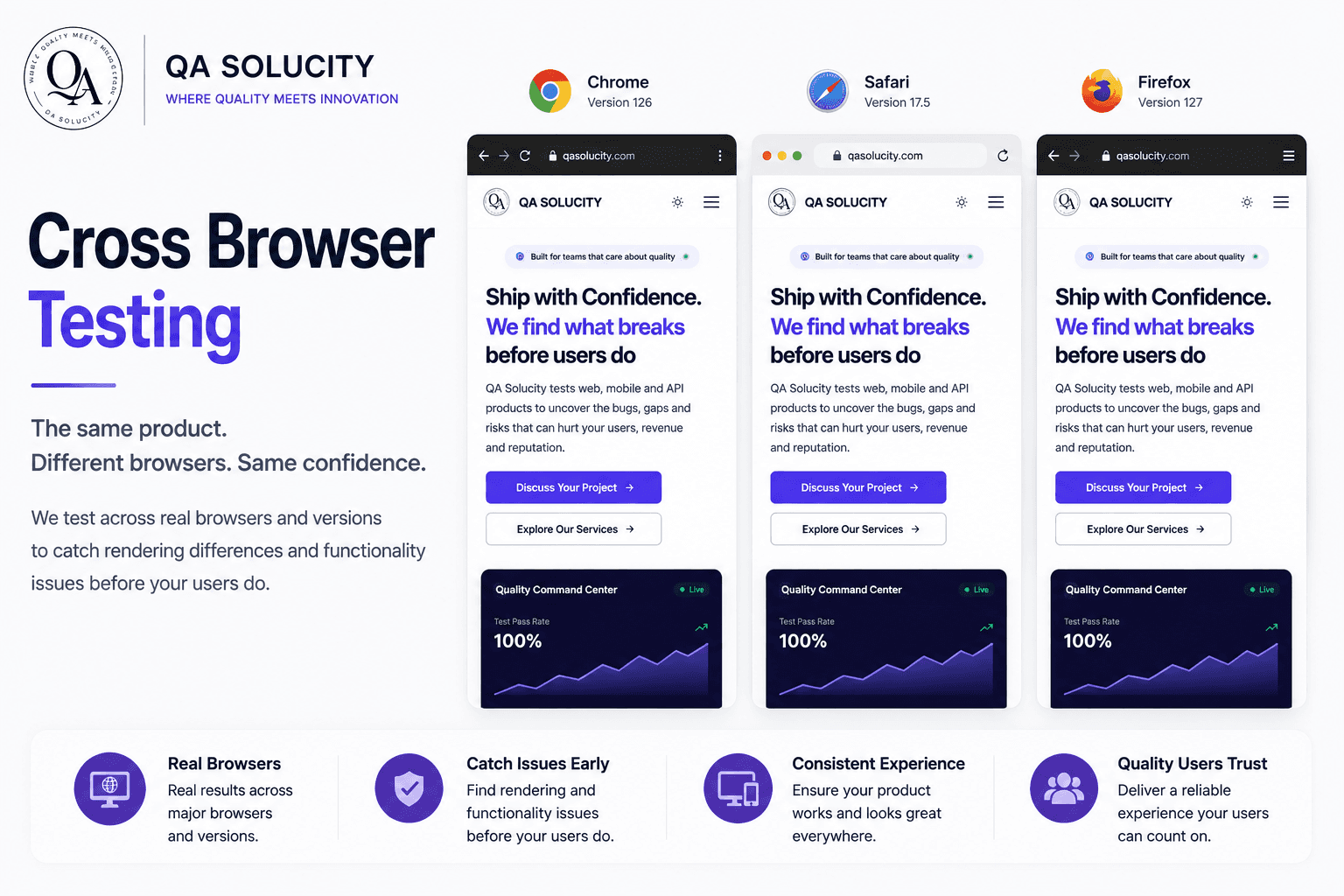
"It works on my machine" is a joke in every engineering team for a reason, it's usually true, and it's usually not enough. Your users aren't running your exact setup. They're on different operating systems, different browser versions, different screen sizes, different hardware. Compatibility testing verifies your product holds up across that real-world variety, not just the one environment it was built and tested in.
What compatibility testing actually covers
- Operating systems. Windows, macOS, iOS, Android, and the version differences within each that can quietly change behavior.
- Browsers and versions. Chrome, Safari, Firefox, Edge, and often several versions back, not just the latest release.
- Screen sizes and resolutions. From a small phone screen to an ultrawide monitor, does the layout genuinely hold up, or just look fine at the one size someone tested?
- Hardware variation. Older devices with less processing power and memory behave differently than a developer's high-end machine.
- Network conditions. A product tested only on fast office wifi can fall apart on a real user's inconsistent mobile connection.
Why this matters more than it seems to
It's easy to underestimate how much real-world variety exists until you look at actual analytics. A meaningful share of users are almost always on a browser version, device, or screen size the team didn't specifically test against. Every one of those users experiences your product exactly as it behaves in that environment, not the one it was built and demoed in.
Compatibility issues aren't rare edge cases. They're the default outcome of only testing in one environment and assuming the rest will follow.
A practical approach, not exhaustive coverage
Testing every possible combination of OS, browser, device, and screen size is impossible, and trying to is a waste of effort. A practical compatibility strategy:
- Identifies your product's actual environment mix from real analytics, not assumptions.
- Prioritizes the top environments covering the large majority of real usage.
- Spot-checks the long tail for catastrophic failures, without exhaustively testing every combination.
- Uses tools like BrowserStack to cover real device and browser combinations without maintaining a physical device lab.
Where compatibility issues typically hide
Layout breaks at unusual viewport widths, CSS features that don't behave consistently across browser engines, and touch interactions that work differently than mouse interactions are the most common categories we find. None of them show up if testing only ever happens on one browser, on one machine, at one screen size.
If your product's compatibility coverage is based on assumptions rather than real testing across environments, QA Solucity's manual testing service includes structured compatibility checks as part of the process. Reach out to talk through your environment mix.