We get asked which automation tool we recommend more than almost any other question. For most modern web products, our default answer is Playwright, and it's earned that spot on merit, not just momentum.
What sets Playwright apart
Playwright was built by Microsoft with a clear focus: give teams reliable, fast, cross-browser automation without the workarounds older tools required.
- True cross-browser coverage. Playwright drives Chromium, Firefox, and WebKit natively, so you get real Safari-equivalent coverage in a single framework, not a second tool bolted on.
- Auto-waiting. Playwright waits for elements to be actionable before interacting with them, eliminating a huge share of the flaky, timing-related failures that plague older Selenium suites.
- Built-in API testing. You can validate backend responses in the same framework you use for UI tests, no separate tool required for a huge share of integration coverage.
- Multiple tabs, contexts, and origins. Testing flows that involve a new tab, a payment redirect, or cross-origin navigation is straightforward, not a workaround.
- The trace viewer. When a test fails, Playwright's trace viewer gives you a full timeline, screenshots, network requests, DOM snapshots, so debugging doesn't mean re-running the test locally and hoping to reproduce it.
A simple example
import { test, expect } from '@playwright/test';

test('user can complete checkout', async ({ page }) => {
  await page.goto('/cart');
  await page.getByRole('button', { name: 'Checkout' }).click();
  await page.getByLabel('Card number').fill('4242 4242 4242 4242');
  await page.getByRole('button', { name: 'Pay now' }).click();

  await expect(page.getByText('Order confirmed')).toBeVisible();
});
Notice the use of role-based locators (getByRole, getByLabel) rather than brittle CSS selectors. This is one of Playwright's quieter strengths: it nudges teams toward tests that reflect how users actually find elements, which also happens to make tests far more resilient to markup changes.
Where it fits in a real pipeline
Playwright's built-in test runner supports parallelization out of the box, no paid dashboard required to run your suite across multiple workers in CI. Combined with the trace viewer for debugging failures, it's a genuinely complete package for teams building serious CI/CD-integrated automation.
The framework you choose matters less than the discipline behind your suite. But Playwright removes enough friction that good discipline is easier to maintain.
When we'd reach for something else
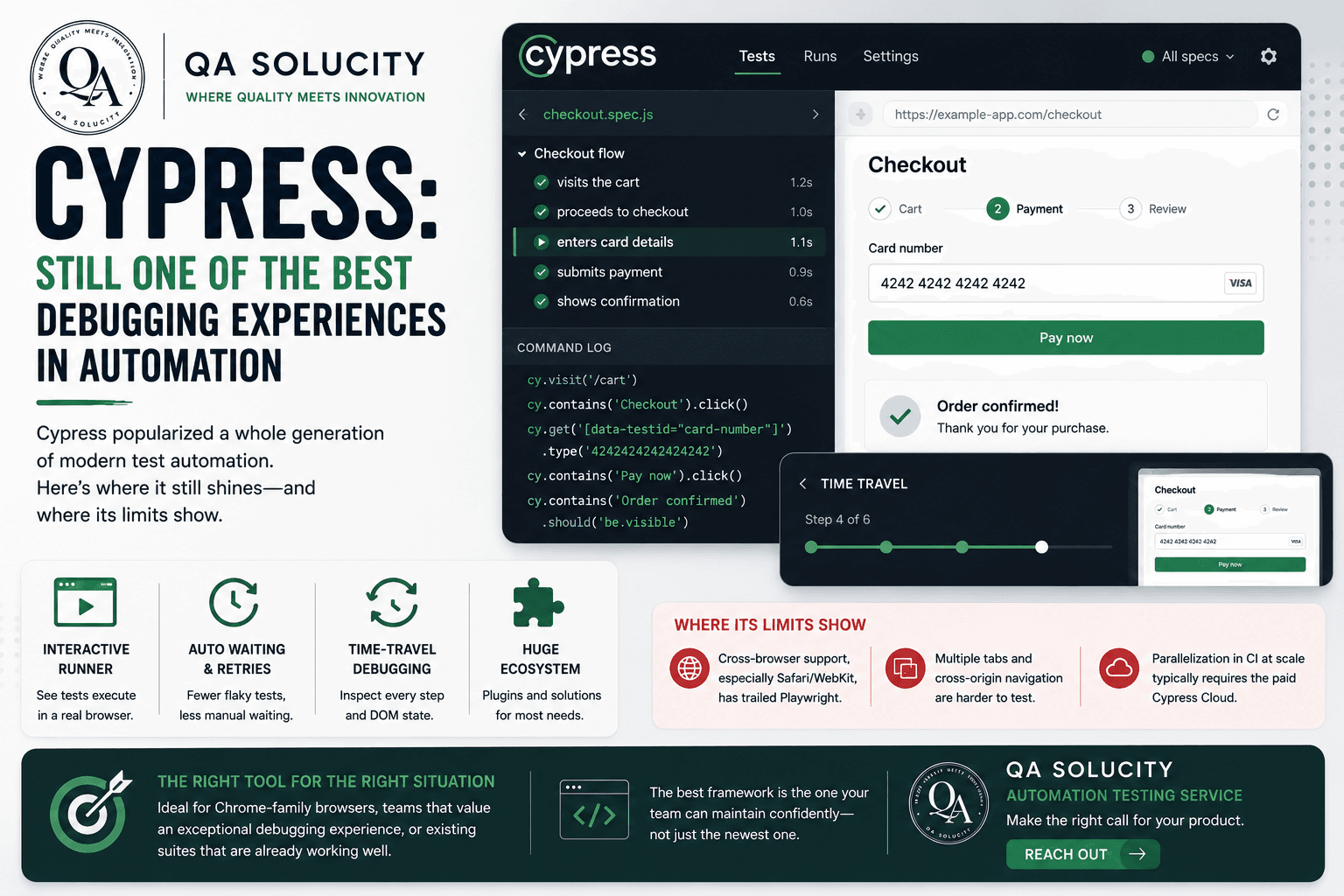
Playwright isn't the answer for every situation. Teams with a large, well-maintained Cypress suite that's working well don't need to migrate just to chase a trend. And for pure API testing without a UI component, a dedicated tool like Postman is often more natural for exploratory work.
For most modern web applications needing serious, maintainable UI automation, though, Playwright is where we start.
If you're building or rebuilding an automation suite and want a second opinion on tooling, QA Solucity's automation testing service is a good place to start that conversation. Get in touch.