Playwright and Cypress are the two frameworks we get asked about most, and for good reason. Both are modern, both are well maintained, and both will get you further than the Selenium setups they've largely replaced. The honest answer to "which one should we use?" is: it depends on what you're testing and how your team works. Here's how we actually decide.
The short version
- Choose Playwright if you need multi-browser coverage (including Safari/WebKit), test across multiple tabs or origins, or want a single framework for web, API, and mobile-web testing.
- Choose Cypress if your team wants the fastest possible feedback loop for a single-page app in Chrome-family browsers, and values its interactive test runner for debugging.
Neither is "wrong." They optimize for slightly different things.
Browser support
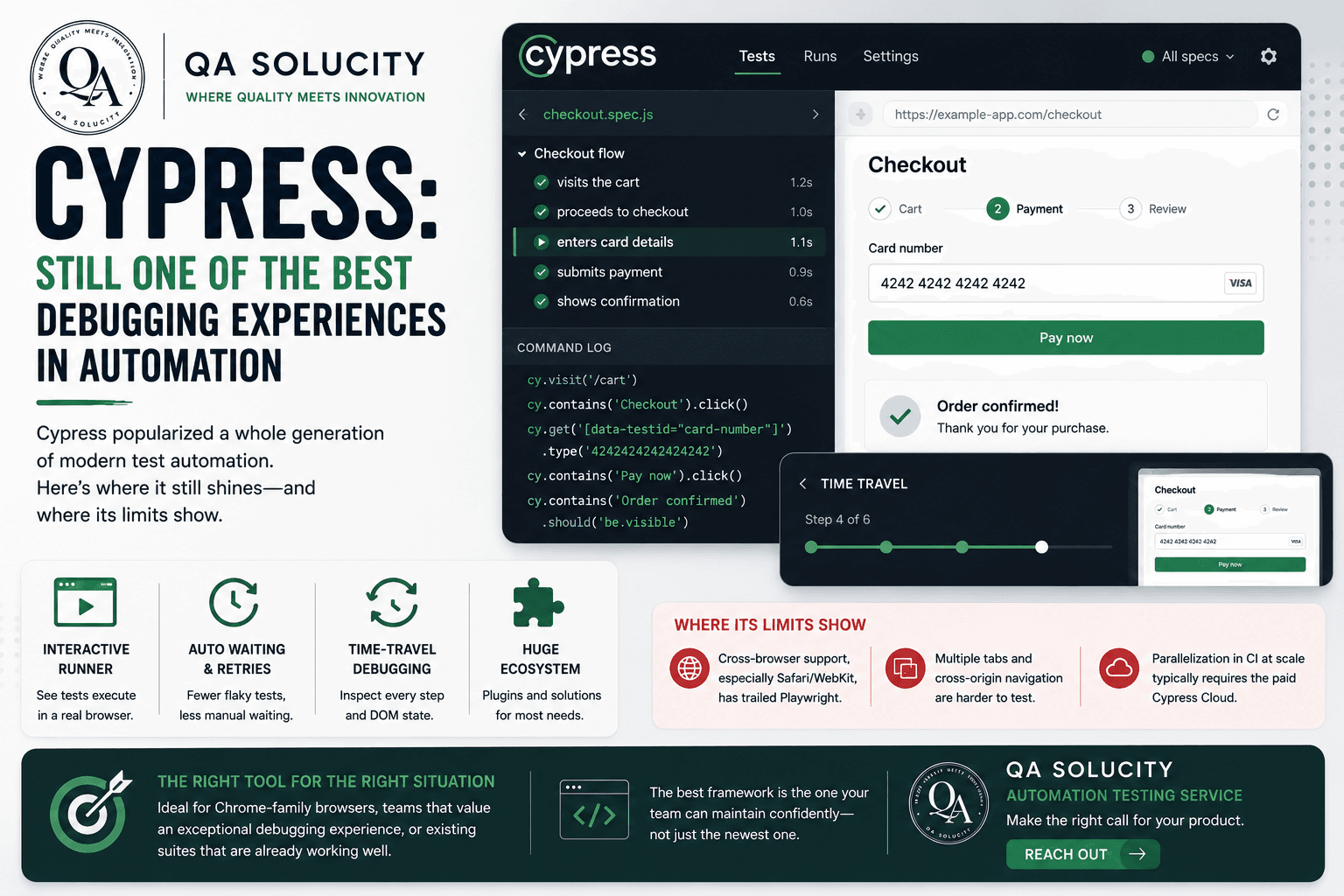
This is usually the deciding factor on its own. Playwright drives Chromium, Firefox, and WebKit natively, so a single test suite gives you real Safari coverage. Cypress has historically been Chromium-first; cross-browser support exists but has been the secondary path, not the primary design goal.
If your users are meaningfully split across Safari and Chrome, this alone often settles the debate.
A quick syntax comparison
Both frameworks read similarly for a basic test, the difference shows up in the details.
Playwright:
import { test, expect } from '@playwright/test';

test('user can log in', async ({ page }) => {
  await page.goto('/login');
  await page.fill('#email', 'user@example.com');
  await page.fill('#password', 'securepassword');
  await page.click('button[type="submit"]');
  await expect(page.locator('.dashboard')).toBeVisible();
});
Cypress:
describe('Login', () => {
  it('user can log in', () => {
    cy.visit('/login');
    cy.get('#email').type('user@example.com');
    cy.get('#password').type('securepassword');
    cy.get('button[type="submit"]').click();
    cy.get('.dashboard').should('be.visible');
  });
});
The real differences show up in how each tool handles waiting, retries, and multi-tab or multi-origin scenarios, not in the basic happy-path test.
Where each tool tends to win
| Consideration | Playwright | Cypress |
|---|---|---|
| Cross-browser testing | Strong (Chromium, Firefox, WebKit) | Chromium-first |
| Multiple tabs/windows | Native support | Limited, workarounds needed |
| API testing in the same tool | Built in | Possible via plugins |
| Debugging experience | Trace viewer, good but less interactive | Excellent interactive runner |
| Parallelization | Built in, free | Free locally, paid in Cypress Cloud for CI |
Our recommendation
For most product teams building modern web apps with real cross-browser requirements, we default to Playwright. It's become the stronger general-purpose choice: broader browser coverage, native API testing, and a CI story that doesn't require a paid dashboard to parallelize runs.
We still recommend Cypress for teams that already have a mature Cypress suite working well, or whose testing needs are narrowly scoped to Chrome-based debugging with heavy reliance on its interactive runner during development.
The mistake to avoid isn't picking the "wrong" tool, it's picking a tool without automation architecture behind it. A well-structured Cypress suite will outperform a messy Playwright one every time. The framework matters less than the discipline behind it.
If you're weighing Playwright against Cypress for your own product and want a recommendation based on your actual stack, not a generic comparison, QA Solucity's automation testing service can help you decide. Get in touch.